
Promote your Cause or Fund with confidence
This Marketing Toolkit is your central hub for promoting your Cause and engaging your community.
Whether you're participating in the LLL Charitable Donation Program or using the LLL Donation Platform, you'll find everything you need here to communicate clearly, consistently and effectively.
If you need additional support, please contact [email protected].
Purpose
This toolkit supports you to:
- Access ready-to-use and editable creative assets
- Promote your Cause or Fund clearly and consistently
- Communicate the impact of your partnership with LLL Australia
- Encourage your community to participate in the Program or Platform (launching soon)
- Build awareness and engagement across your organisation and broader community
What you'll find in this toolkit
We've created a range of resources to help you promote your Cause across different channels:
- Messaging resources (long and short form copy)
- Website content
- Visual assets, including:
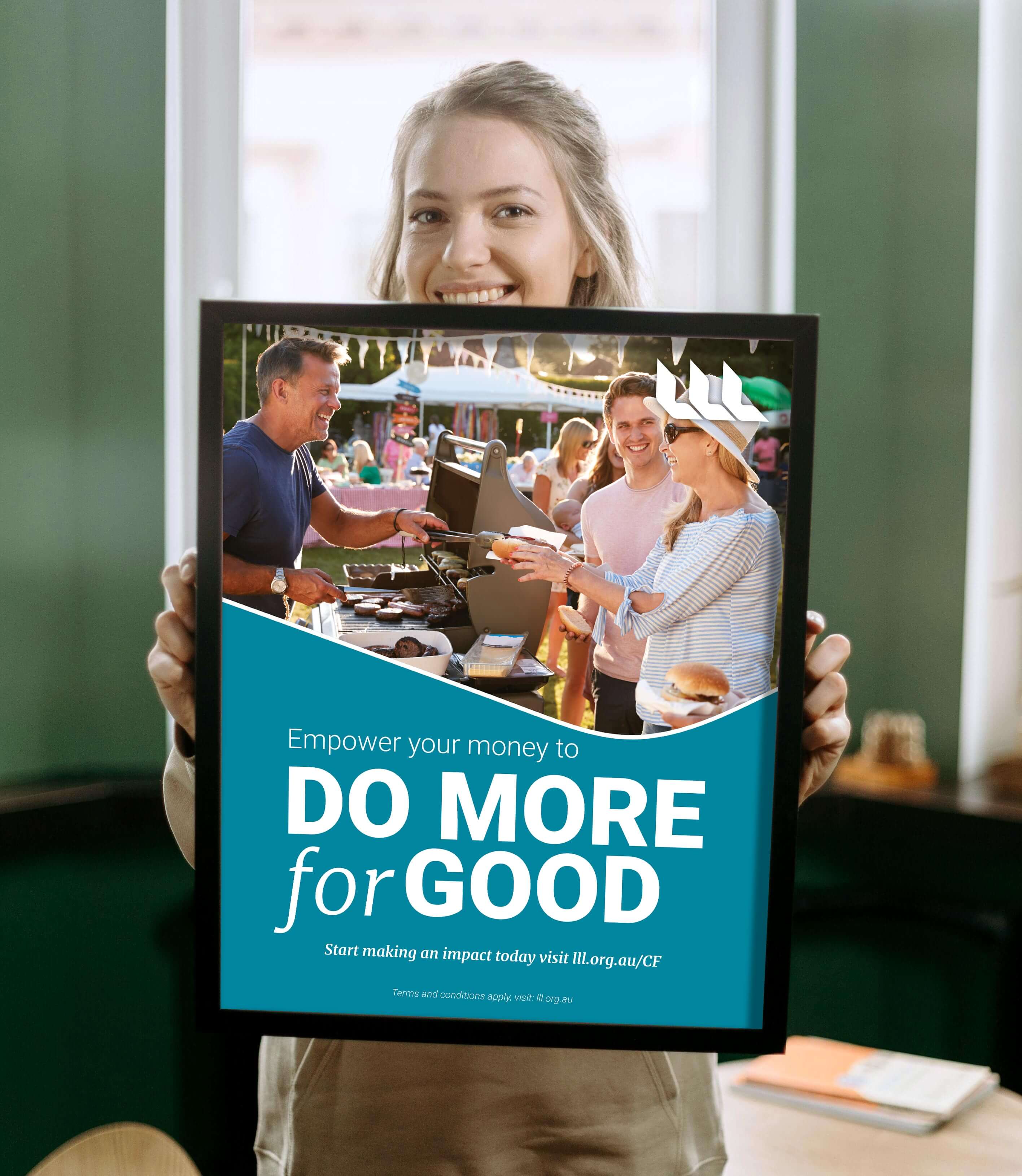
- Posters
- Pew bulletins
- Newsletter inserts
- Social media graphics
All materials are designed to align with LLL Australia's messaging, making it easy for you to communicate your Cause of Fund with clarity and consistency. The visual assets can be used as they are or used as a template so you can tailor them for your Cause or Fund.

Using LLL branding and materials
When using these resources, please ensure:
- LLL branding and assets are used in line with your Agreement or Terms and Conditions
- Messaging remains consistent with LLL information
- You must not independently explain or describe how the Charitable Donation Program or Donation Program (launching soon) operates.
- You do not provide financial or product advice
- You refer supporters to lll.org.au for more information where needed
|
Charitable Donation Program |
LLL Donation Platform |
|---|---|
|
Promote your Cause and encourage your community to support it through the LLL Charitable Donation Program. This program allows supporters to participate in a simple and meaningful way by choosing a facility where no interest is paid, with LLL allocating support to Program beneficiaries at its discretion. Access resources: Charitable Donation Program Beneficiary Agreement When communicating about the Charitable Donation Program, you must use the approved LLL messaging provided and must not alter or paraphrase descriptions of how the Program operates. |
Promote your Fund and receive direct donations through the LLL Donation Platform. These resources are designed to help you clearly communicate your fundraising goals, encourage giving, and share your impact.
Access resources: Terms and Conditions for the LLL Donation Platform Please note that it is a requirement for the LLL Privacy Notice (linked above) to be displayed in conjunction with your QR code. The notice should be included wherever the QR code is displayed, such as PowerPoint presentations, promotional posters, and pew bulletins. Where space is limited, the QR code must display the embedded link to LLL's Privacy Notice. |
Tips for promoting your Cause or Fund
- Keep your message clear, simple and focused on impact
- Use consistent language across all channels
- Share stories about your organisation and how the Program or Platform has supported your work (without attributing outcomes to individual supporters or specific contributions). Encourage your community to spread the word
- Use a mix of channels such as email, social media, newsletters and in-person communication
How to use LLL visual assets in Adobe Express
Need support?
Contact our team – we're here to support you.
Important information
LLL's trade marks and marketing materials are the property of LLL Australia. Any use of LLL Australia's intellectual property, including logo, wordmarks, images, footage and brand palette is governed by your agreement with LLL Australia. All other rights in LLL Australia's intellectual property are expressly reserved, and may not be used without permission.